
In any educational institution—whether it's a K-12 school district or a sprawling university campus—educational facilities management is more than just fixing things when they break. It's about efficiency, transparency, and staying ahead of wear and tear before it becomes a bigger issue.
That's where a school CMMS, or Computerized Maintenance Management System, makes all the difference. It digitizes everything from work orders to asset tracking, but more importantly, it connects people—staff, faculty, contractors, and yes, even students—to the systems that keep buildings running smoothly.
But here's the thing: not everyone uses the CMMS the same way.
Different user groups have unique expectations, and designing your CMMS experience around those needs can dramatically improve user adoption and satisfaction. Let's break down the core types of users you'll encounter in schools and higher education settings, and what each group needs to get the most out of the system.
1. Maintenance Staff: The Front-Line Responders
When most people think of a CMMS, they immediately picture the maintenance team—and rightly so. These professionals are the heartbeat of facilities operations, responsible for everything from emergency repairs to routine preventive maintenance.
What they need:
-
Mobile access: They're on the move constantly. A CMMS with a solid mobile app lets them view, accept, and close work orders in real time—without returning to a central office.
-
Barcode/QR scanning: For fast equipment lookups or inventory checks, scanning beats manual entry every time.
-
Efficient work order management: Maintenance workers need quick access to job details, parts required, and task histories to work efficiently and avoid duplication.
Bottom line: They need speed, simplicity, and tools that work in the field.
2. Administrators: The Big-Picture Thinkers
Administrators—whether it's a facilities director, operations manager, or campus planner—look at the system from a data and strategy perspective. They don't need to know if a lightbulb was changed in Room 203, but they do need to know how often that's happening across the campus—and how much it's costing.
What they need:
-
Dashboards and visual reporting: Insights into work order trends, budget allocation, staff efficiency, and asset lifecycle data help drive better decisions.
-
Customization options: From approval workflows to reporting structures, administrators appreciate flexibility that fits their internal processes.
-
Preventive maintenance insights: Staying ahead of asset failures means spotting patterns before they turn into downtime.
They're not logging dozens of tickets a day, but when they do log in, they want the high-level picture—and fast.
3. Teachers and Faculty: The Casual Requesters
In schools and universities, teachers and faculty often serve as the eyes and ears across campus. They're not maintenance experts, but they know when something's off in their classroom, lab, or office.
What they need:
-
Simple request submission: A user-friendly interface—preferably accessible via web or mobile—makes it easy for teachers to report an issue without jumping through hoops.
-
Status tracking: Teachers don't need a deep dive into work order workflows, but they do want to know if someone's coming to fix the HVAC issue they reported.
-
Communication: Automatic updates or simple email confirmations go a long way in keeping faculty informed and satisfied.
The easier you make it for them, the more likely they are to use the system instead of letting issues pile up.
4. External Contractors: The Extended Team
Most educational institutions work with external vendors—from HVAC specialists to electricians to groundskeepers. These contractors often need limited access to the CMMS so they can stay aligned with internal staff.
What they need:
-
Role-based access: They shouldn't see everything—just what's assigned to them.
-
Ability to update progress: Whether it's logging time, uploading photos, or marking a job complete, they need intuitive tools to stay on task.
-
Communication channels: Contractors need an easy way to clarify scope, ask for parts, or update timelines without playing phone tag with the main office.
Smooth contractor integration saves time, money, and a lot of frustration.
5. Students (and Parents): The Emerging Stakeholders
Especially in private schools and higher education institutions, students—and sometimes their parents—are becoming direct stakeholders in campus operations. Whether it's a broken window in a dorm, a malfunctioning AC unit in a lecture hall, or accessibility issues in a common area, students notice and report.
What they need:
-
Intuitive request portals: Students (and tech-savvy parents) expect sleek, easy-to-use tools. A cluttered interface? Immediate turn-off.
-
Transparency and updates: Students want to know their requests aren't disappearing into the void. Automated status updates provide peace of mind.
-
Boundaries and filters: Institutions need smart controls to make sure requests are valid, appropriately routed, and don't overwhelm staff with non-essential reports.
Giving students a voice in facility issues boosts campus pride and satisfaction—and gives facilities teams valuable insight into daily life on the ground.
Final Thoughts: One System, Many Users
A CMMS is only as powerful as it is usable. It's not just a backend database—it's a living, breathing tool used by a wide range of people, each with their own goals and comfort levels with technology.
Understanding your CMMS users—what they need, how they interact, and where the friction points are—is crucial. We know you may be hesitant to turn over the requester keys to all of these different users. You may decide on a dedicated individual for individual buildings or an RA for students. Just remember, the most successful CMMS implementations are those that acknowledge the different needs and build workflows and interfaces that respect each user's time, skillset, and priorities.
When the system works for everyone, maintenance becomes a shared responsibility—and campus operations get a whole lot smoother.
Ready to see how OperationsHERO serves all your user types? Get a demo and discover how our CMMS connects maintenance staff, administrators, teachers, contractors, and students in one seamless platform.
Articles You May Like

AI + Human Judgment: The Partnership Facilities Teams Need
The real question isn't "Will AI take my job?" It's "How will AI help me do my job better?" Discover how AI enhances facilities teams rather than replacing them.
5 Hidden Ways Your Facilities Impact Student Outcomes
Most school leaders know that facilities matter, but few realize just how profoundly building conditions affect what happens in the classroom. Here are five surprising ways your facilities are shaping student success.
The ToolBox – August Edition
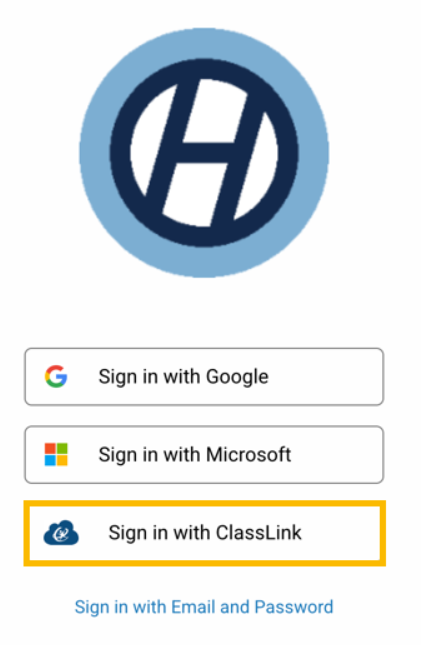
ClassLink Single Sign-On is now available! Plus updates to EventsHQ, HeroHQ, InventoryHQ, and introducing our new InspectionHQ module.
The ToolBox – June Edition
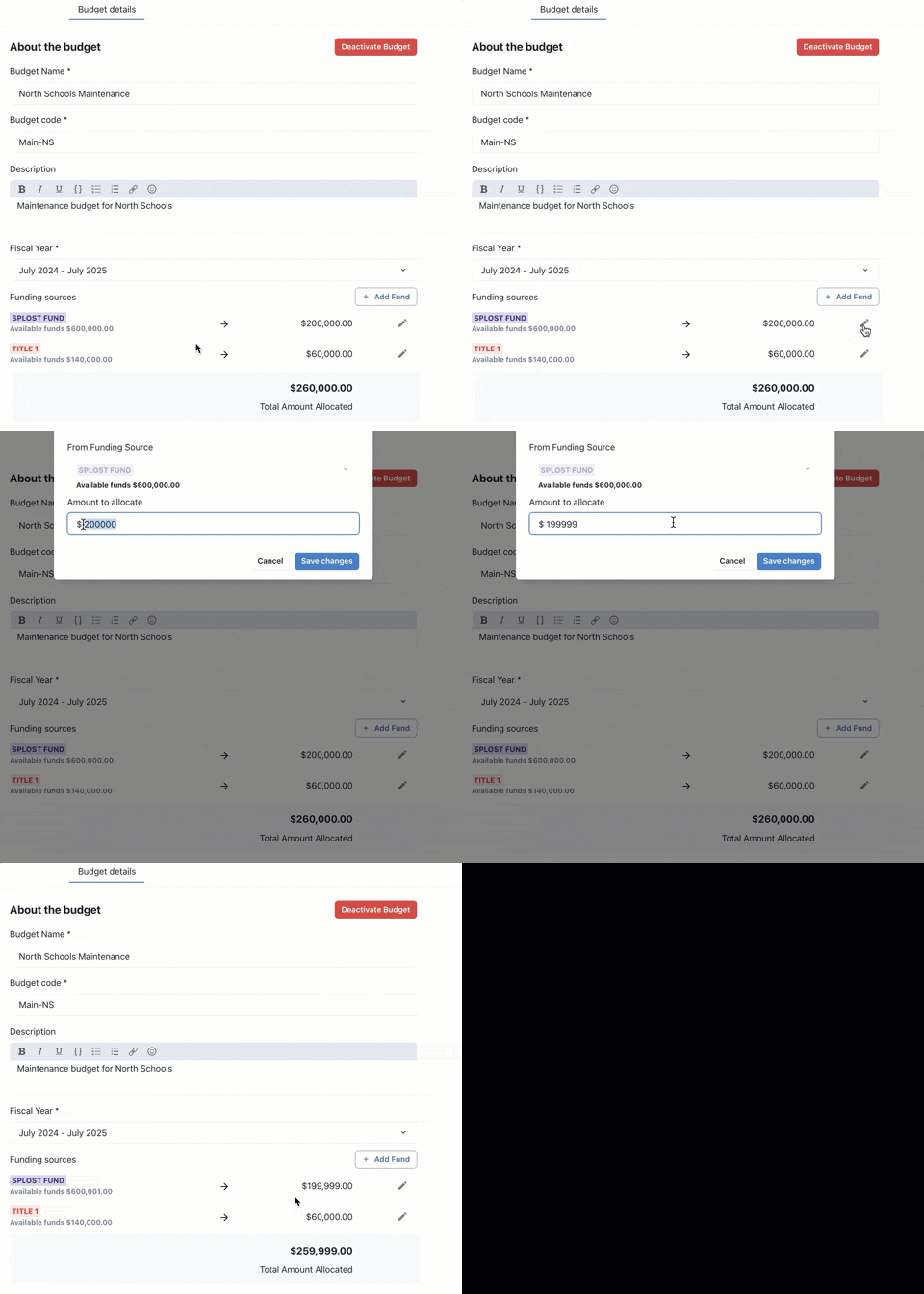
Our focus for May centered around a few key areas; Ease of use, workflow flexibility, and laying the groundwork for even bigger things ahead.
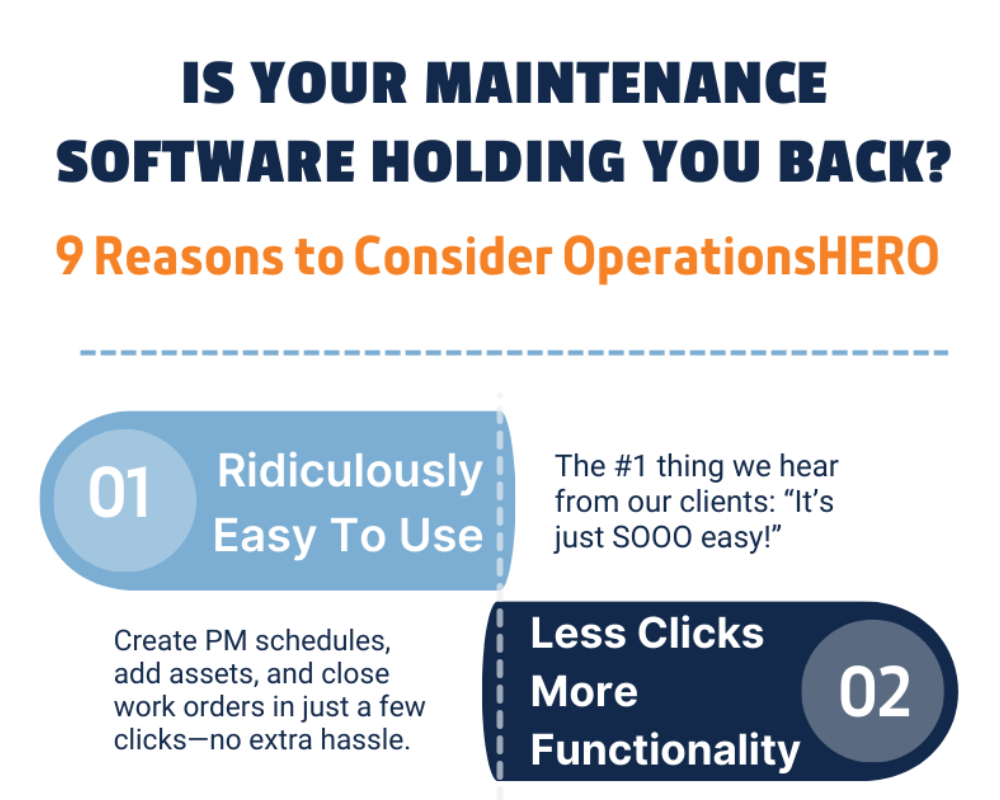
Not LOVING Your Current System? Here's 9 Reasons to Consider OperationsHERO
Technology has come so far in the last 20 years—but many facilities teams are still stuck using outdated, clunky systems that create more headaches than solutions.
Why Roof and HVAC Preventive Maintenance Pays Off
When you think about maintenance priorities, it's easy to focus on what's urgent. But roof and HVAC systems are two of the most expensive parts of your building.
From 'Oh My' to AI: How Schools Are Transforming School Facilities Management
Modern technology is making it easier than ever for schools to stay ahead of shrinking budgets, aging buildings, and skilled labor shortages.

Preventive Maintenance Meets AI: Smarter Task Books, Better Results
According to the U.S. Department of Housing and Urban Development, for every $1 spent on preventive maintenance, you can save up to $4 in future repair and replacement costs.
How St. Joseph School District Transformed Facility Management—Without the Headaches
St. Joseph School District's previous CMMS was outdated, clunky, and difficult to use. Here's how they transformed facility management with OperationsHERO.

Upgrading Your School's Facility Management System—Without the Headaches
If you're managing a school's facilities, chances are you're juggling more than just maintenance work orders. Modern facility management tools can make your life easier, not harder.