Get The Most Out of Your System!
Hello, happy Heroes! Nancy from Client Services has shared some valuable tips and tricks for getting the most out of HeroHQ. These tips and tricks will assist you in growing your knowledge of our product and all that you can do with it.
WORKFLOWS
Everyone appreciates streamlined processes and organization. OperationsHERO has given you the tools to do just that! One of the standout features is the ability to create multiple workflows. For those closing out their fiscal year and running reports, this feature is particularly useful for differentiating data from corrective and scheduled requests.
Common questions that arise include:
- "How can I generate a report that includes only corrective work orders, excluding PM work orders?"
- "Is it possible to separate event work orders from maintenance work orders?"
The solution lies in creating separate workflows. By doing so, you can segregate the data and, best of all, view it from the dashboard, complete with charts.
For example, consider the PM Schedules. Once a separate workflow is created and applied to the PM Schedule, these requests will be categorized under the Preventative Maintenance workflow. Technicians can still handle these requests just like any maintenance work request, with the only difference being the workflow under which they fall.
To do this in your account, follow these four simple steps:
- If you want the same fields that are in your original maintenance workflow, use that same Schema. If you think you might want different fields then create another PM Schema so that the fields are separate. (Once a Schema is tied to a Workflow it cannot be undone)
- Create a new workflow and assign a schema. A step-by-step guide is available to assist with this process.
- Customize the settings for the new workflow.
- Add Technicians to the new workflow so you can assign them to PM Schedules when creating them in Step 1. Technicians can be included in multiple workflows.
- Enjoy the ease of tracking work request data, all while maintaining organization and streamlining processes!
- Want to run reports? You can include both Workflows or separate them out if desired.
With these tips and tricks, OperationsHERO users can optimize their workflows and improve their overall efficiency. Need more tips and tricks? Sign up for one of our weekly training every Tuesday at 2 PM EDT or reach out to our support team @ support@operationshero.com.
Articles You May Like

AI + Human Judgment: The Partnership Facilities Teams Need
The real question isn't "Will AI take my job?" It's "How will AI help me do my job better?" Discover how AI enhances facilities teams rather than replacing them.
5 Hidden Ways Your Facilities Impact Student Outcomes
Most school leaders know that facilities matter, but few realize just how profoundly building conditions affect what happens in the classroom. Here are five surprising ways your facilities are shaping student success.
The ToolBox – August Edition
ClassLink Single Sign-On is now available! Plus updates to EventsHQ, HeroHQ, InventoryHQ, and introducing our new InspectionHQ module.
The ToolBox – June Edition
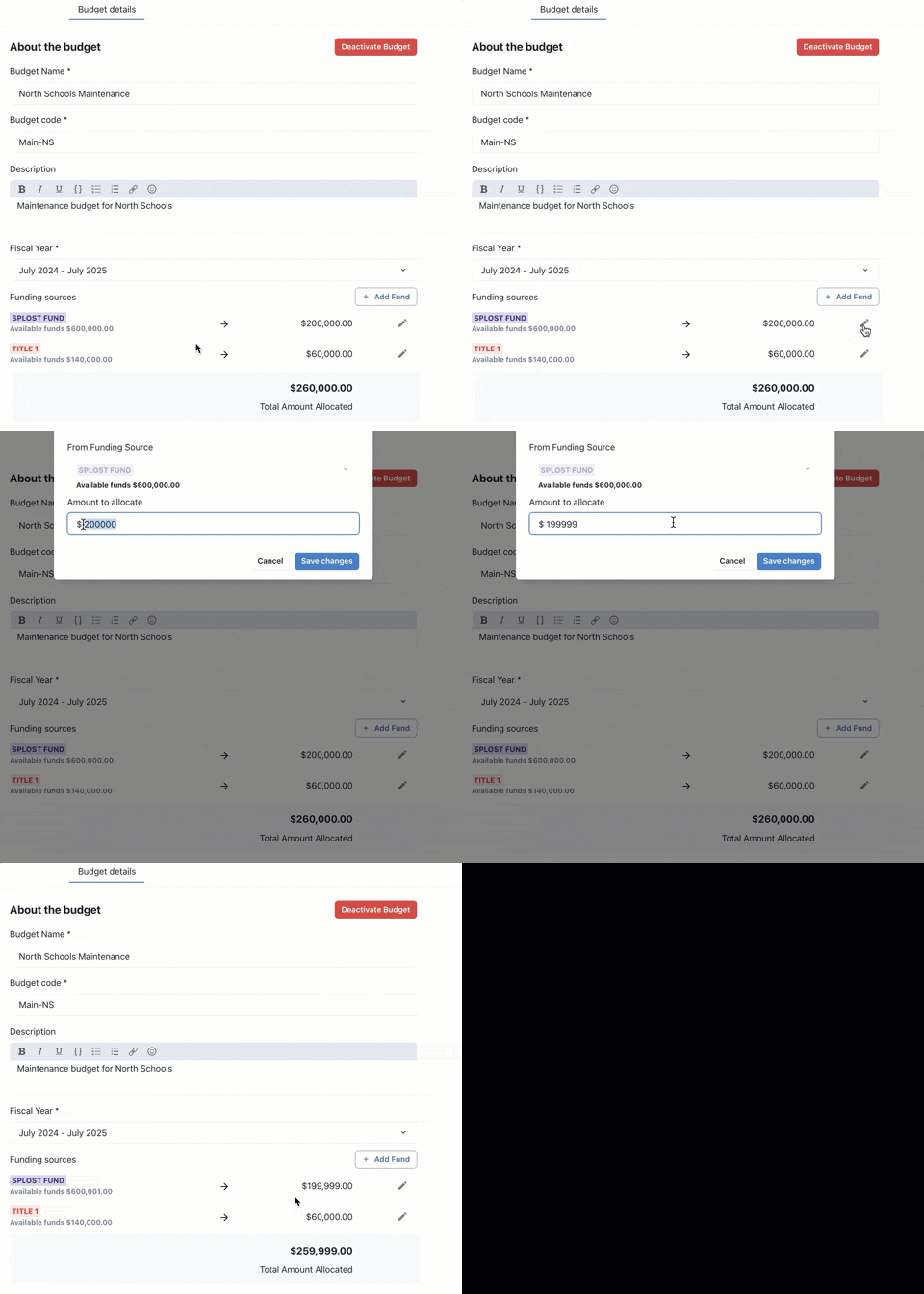
Our focus for May centered around a few key areas; Ease of use, workflow flexibility, and laying the groundwork for even bigger things ahead.
Not LOVING Your Current System? Here's 9 Reasons to Consider OperationsHERO
Technology has come so far in the last 20 years—but many facilities teams are still stuck using outdated, clunky systems that create more headaches than solutions.
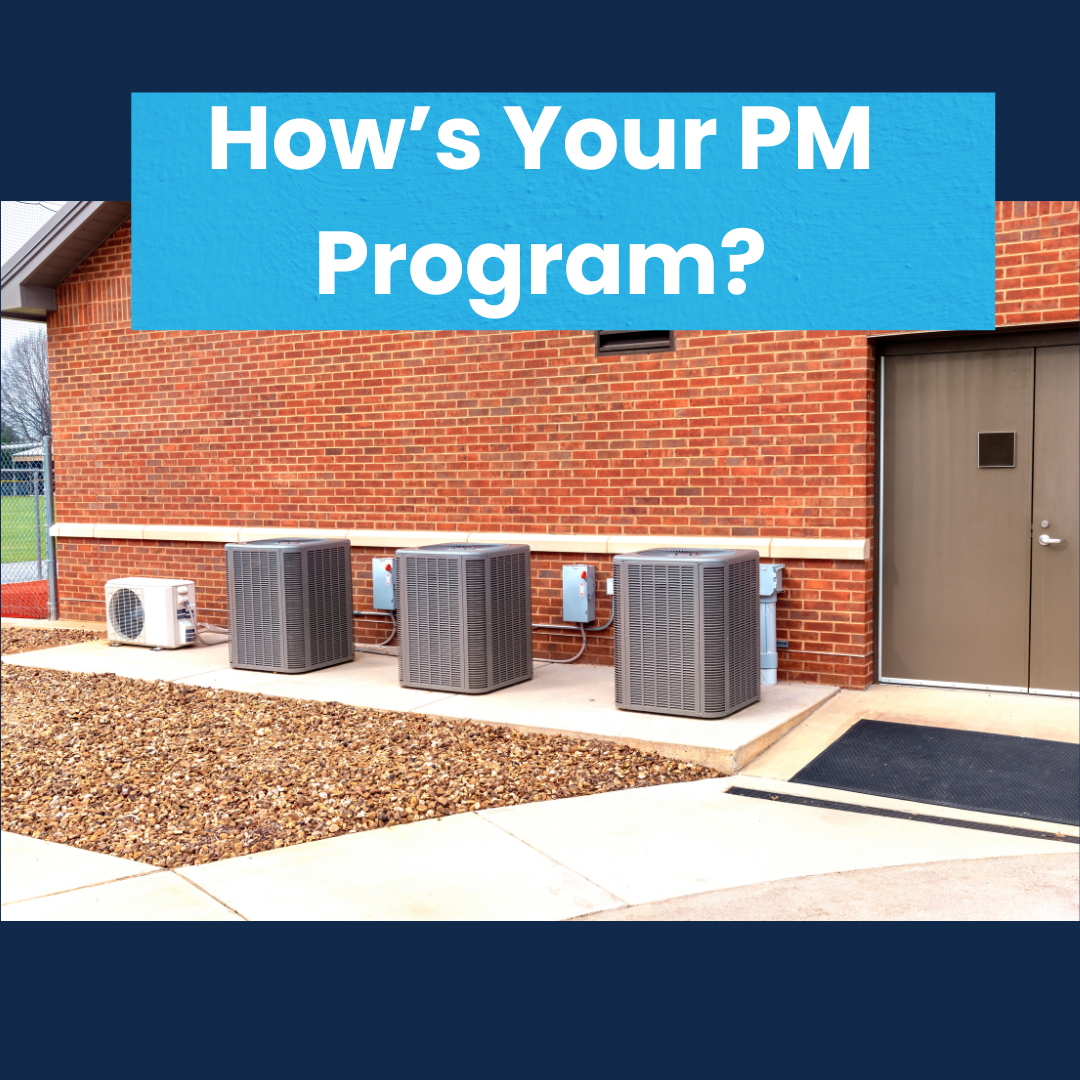
Why Roof and HVAC Preventive Maintenance Pays Off
When you think about maintenance priorities, it's easy to focus on what's urgent. But roof and HVAC systems are two of the most expensive parts of your building.

From 'Oh My' to AI: How Schools Are Transforming School Facilities Management
Modern technology is making it easier than ever for schools to stay ahead of shrinking budgets, aging buildings, and skilled labor shortages.

Preventive Maintenance Meets AI: Smarter Task Books, Better Results
According to the U.S. Department of Housing and Urban Development, for every $1 spent on preventive maintenance, you can save up to $4 in future repair and replacement costs.

Who Uses a CMMS? Understanding the Different User Types and Their Needs
Different user groups have unique expectations, and designing your CMMS experience around those needs can dramatically improve user adoption and satisfaction.

How St. Joseph School District Transformed Facility Management—Without the Headaches
St. Joseph School District's previous CMMS was outdated, clunky, and difficult to use. Here's how they transformed facility management with OperationsHERO.